Accountant Portal
Give Your Accountant Real-Time Access to Your Financial Data
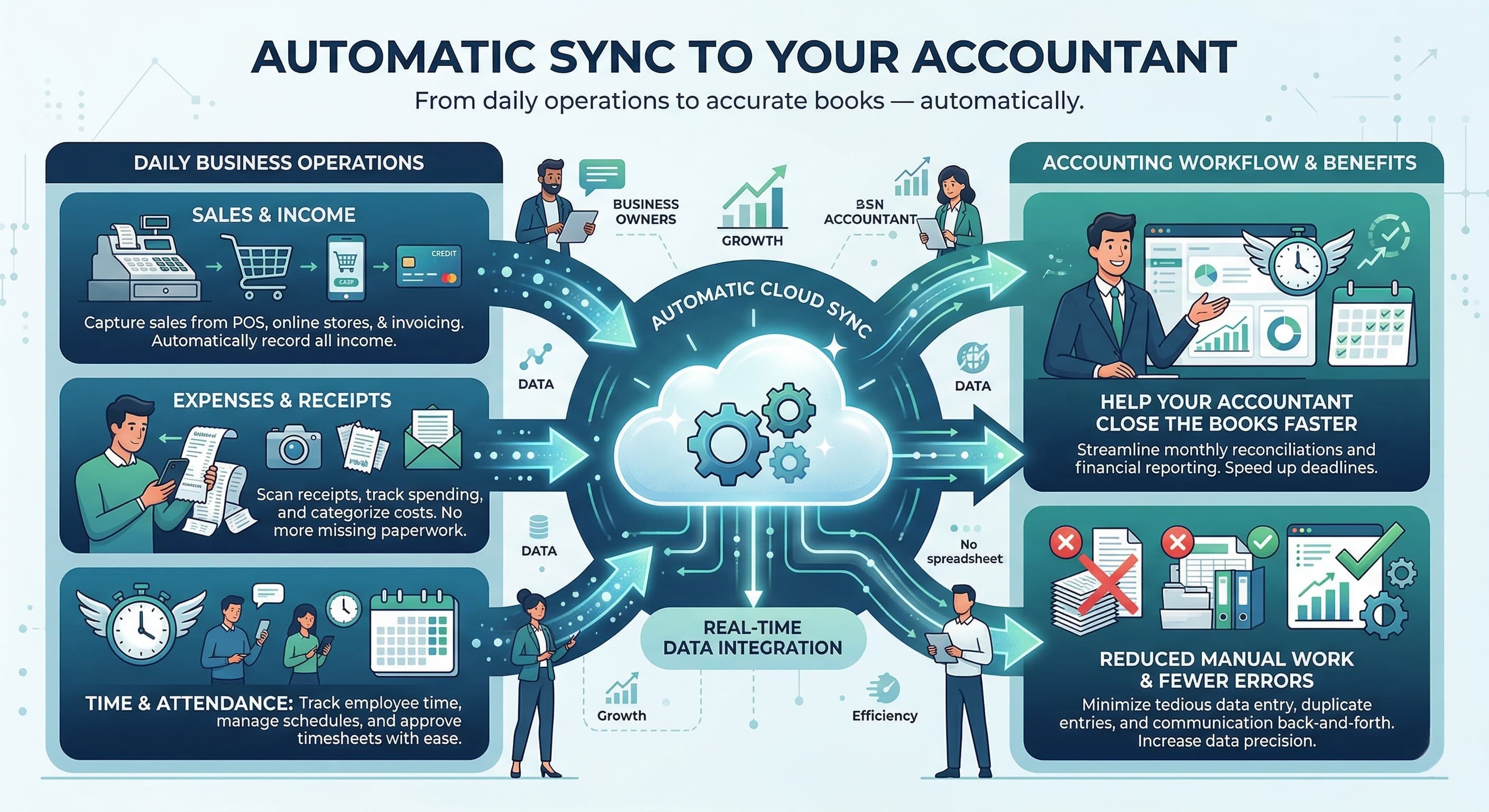
Share your restaurant's sales data and shift attendance records directly with your accountant — securely and in real-time. Ask your accountant to create an account at tax.sciometa.com, then simply enter their Account ID in your POS settings to get connected.
How to Connect Your Accountant
Ask your accountant to create an account at tax.sciometa.com
Your accountant shares their Account ID with you
Enter the Account ID in POS Settings → External Access
Your accountant can now view your sales & attendance data
tax.sciometa.com
What Your Accountant Gets Access To
Secure, read-only tools that help your accountant manage your restaurant's finances more efficiently
Why Connect Your Accountant?
Streamline your restaurant's financial management
How It Works
Ask Your Accountant to Sign Up
Tell your accountant to create a free account at tax.sciometa.com. They'll receive a unique Account ID upon registration.
Get Their Account ID
Your accountant shares their Account ID with you. This is the only thing you need to connect them.
Enter the ID in Your POS
Go to POS Settings → External Access and enter your accountant's Account ID to grant them data access.
Done — They're Connected
Your accountant can now log in to their dashboard and view your real-time sales and attendance data securely.
Who Does What
Clear roles keep your data secure and your workflow simple
Your Accountant
Creates an account at tax.sciometa.com, views your sales data, attendance records, and generates financial reports. Read-only access ensures your data stays safe.
You (Restaurant Owner)
Enter your accountant's Account ID in POS Settings → External Access. You control the connection and can revoke access at any time.
Admin
Manage multiple accountant connections, configure data sharing policies, and oversee access permissions across your organization.
Ready to Connect Your Accountant?
Ask your accountant to create an account at tax.sciometa.com, then enter their Account ID in your POS settings