Table Order System
Four Ways to Order at the Table
Choose from four flexible ordering methods: dedicated tablets, QR codes with PIN, NFC tap-to-order, or ESL-displayed QR codes. All orders go straight to the kitchen with real-time integration. Combine with Self Station for a complete staff-free dining experience.
Four Ordering Methods
Choose the method that best fits your restaurant's needs — or combine multiple methods for maximum flexibility.
Tablet-Based Ordering
Place dedicated tablets at each table for a rich, interactive ordering experience. Customers browse the full menu with images, customize items, and place orders directly — no personal device needed.
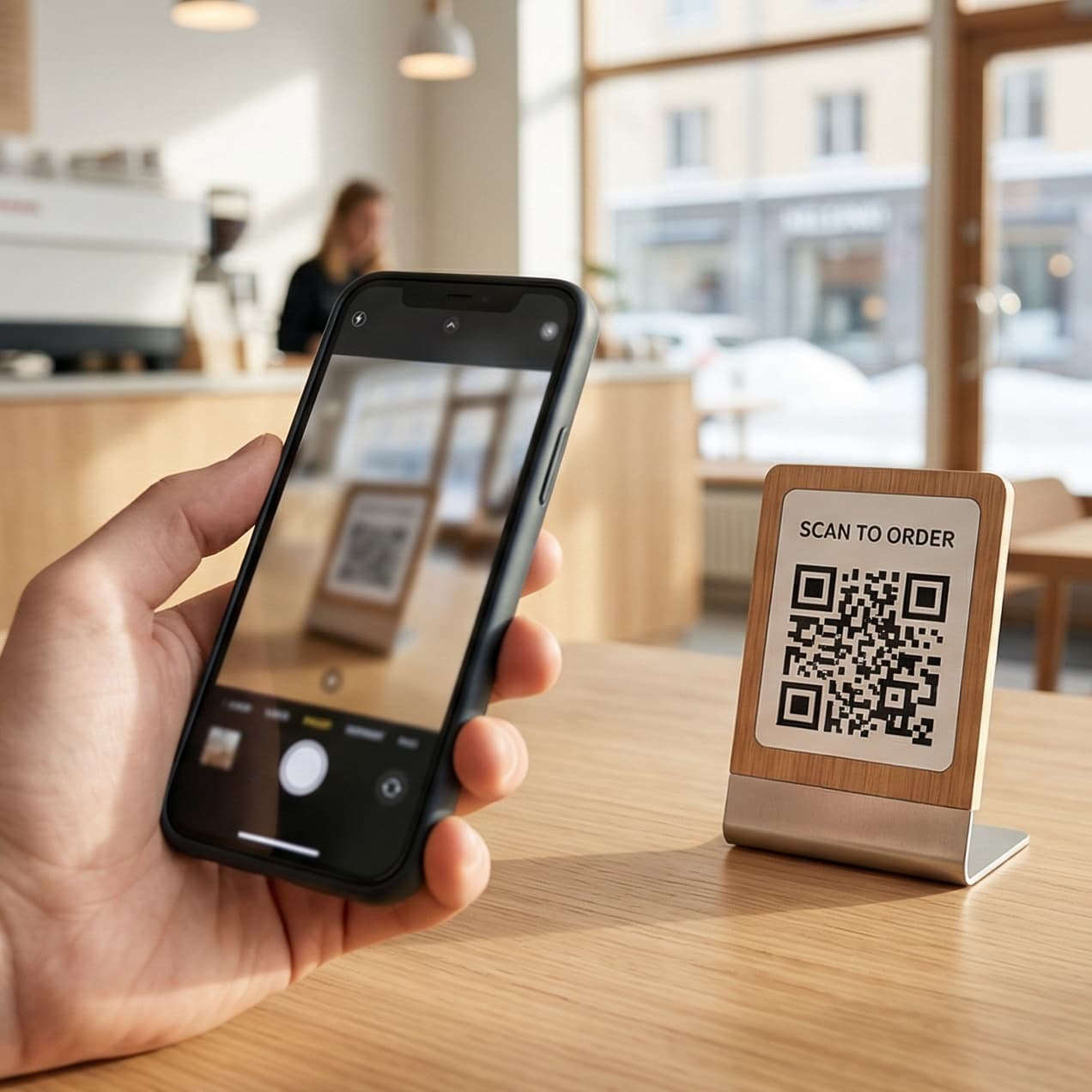
QR Code + PIN Ordering
Place printed QR codes at each table. Customers scan with their smartphone camera, enter a short PIN to verify the table, and access the full menu in their browser — no app download required.
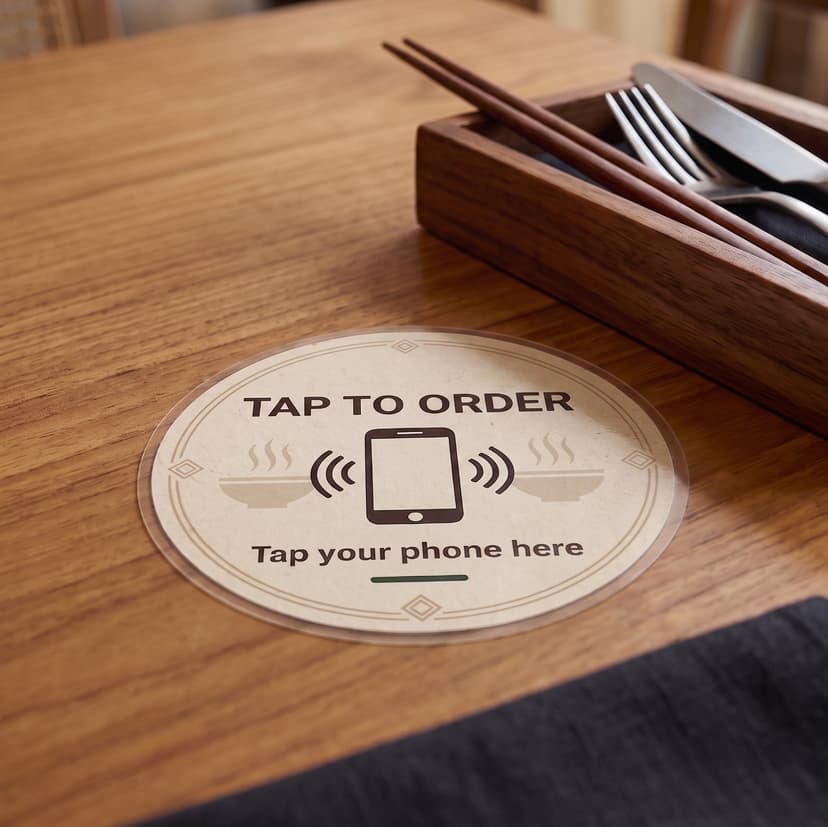
NFC Tap-to-Order
Embed NFC tags in coasters or stickers on each table. Customers simply tap their smartphone to instantly open the ordering page — no camera, no QR scan, no PIN entry. One tap is all it takes.
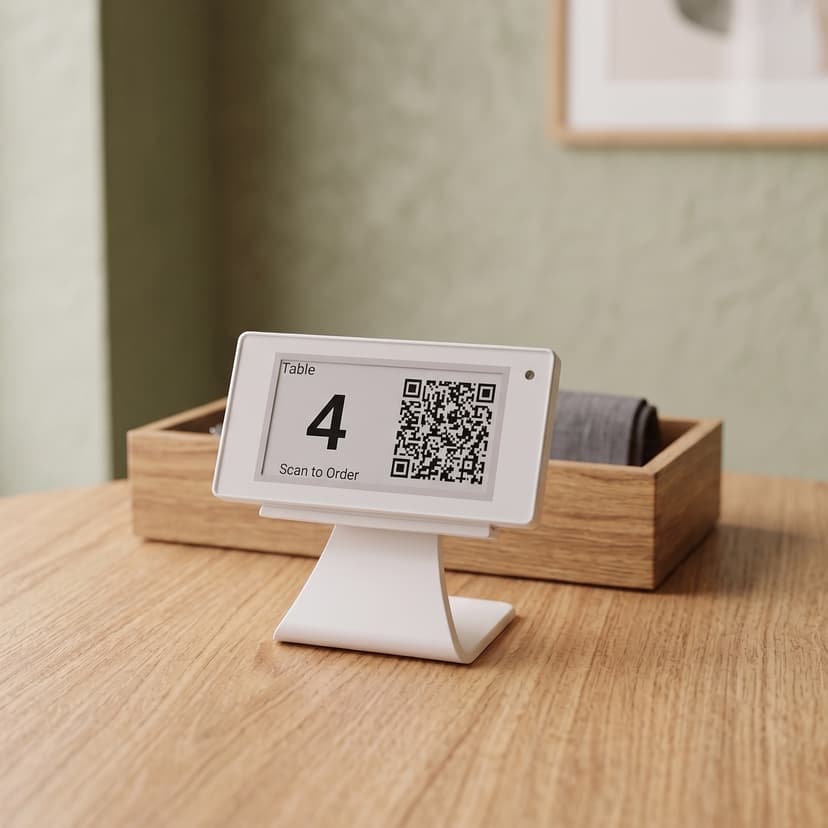
ESL Tag QR Display
Use Electronic Shelf Label (ESL) tags to display dynamic QR codes at each table. QR codes update automatically — perfect for rotating promotions, seasonal menus, or multi-tenant spaces where table assignments change.
Compare Ordering Methods
See how each method stacks up across key criteria to find the best fit for your restaurant.
Features for Tableside Excellence
Everything you need for seamless tableside ordering
Why Table Order System?
Enhance the dining experience with modern tableside ordering
Complete Self-Service with Self Station
Combine Table Order System with Self Station for a fully automated dining experience. From check-in to payment, customers can enjoy their meal without any staff interaction.
Check-In
Customer checks in at Self Station kiosk and is assigned a table.
Order
Browse menu and place orders from the table tablet or by scanning a QR code with their own smartphone.
Dine
Food is prepared and served. Order additional items anytime.
Pay
Complete payment at Self Station. No waiting for staff.
Dynamic Menu Management
Unlike traditional paper menus, Table Order System lets you update your menu instantly. Changes made in the admin dashboard are reflected immediately on all tablets and QR code ordering pages.
- Change daily specials and recommendations every day
- Update prices and descriptions in real-time
- Mark items as sold out instantly across all tablets and smartphones
- No printing costs - save money and the environment
Admin Dashboard
Make changes from anywhere - your office, home, or even your phone. All updates sync instantly to every tablet and QR code ordering page in your restaurant.
Today's Special
Chef's Recommended Pasta
Updated just now
Seamless Kitchen Integration
Table Order System connects directly with Kitchen Display System for smooth kitchen operations.
Order Placed
Customer places order from table tablet or smartphone via QR code. Order instantly appears on Kitchen Display System.
Kitchen Prepares
Chefs see order details with table number. They prepare food and update status in real-time.
Ready Notification
When food is ready, staff are notified via Server Display. Food is delivered to the table.
Ready to Enhance Tableside Service?
Start using Table Order System today and transform your dining experience