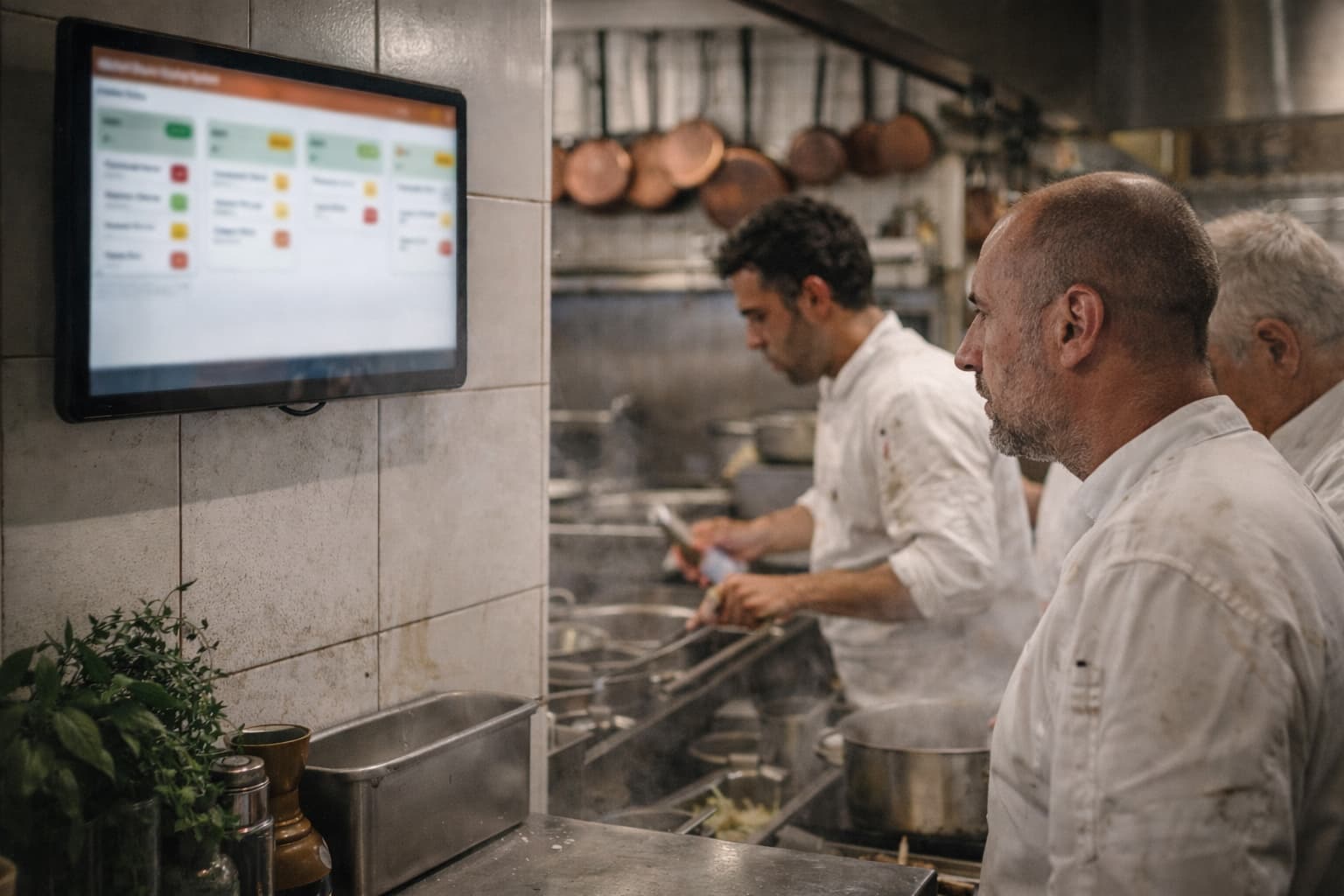
Discover best practices for configuring your KDS to handle rush hour traffic efficiently and reduce kitchen stress.
Understanding KDS Color Coding
The SciPOS Kitchen Display System uses intuitive color coding to help kitchen staff prioritize orders at a glance. Green indicates new orders just received. Yellow warns that an order is approaching its target preparation time. Red signals that an order is overdue and needs immediate attention. By configuring appropriate time thresholds for each color transition, you can create a visual workflow that keeps your kitchen on track even during the busiest service hours.
Setting Up Order Routing
One of KDS's most powerful features is order routing. Instead of showing every item on every screen, you can route specific menu categories to designated stations. Appetizers and salads go to the cold station. Grilled items go to the grill station. Desserts go to the pastry station. This reduces visual clutter and lets each station focus only on their responsibilities. Configure routing in Settings > KDS > Order Routing, and assign categories to each display device.
Peak Hour Best Practices
During rush hours, consider these KDS optimizations: (1) Enable "Bump Bar" mode so cooks can mark items complete with a single tap. (2) Use the consolidated option display—toppings and modifiers are grouped together clearly under each item, so cooks see "Margherita Pizza + extra cheese, no basil" at a glance instead of scattered modifier lines. (3) Set shorter yellow/red time thresholds during dinner service than during lunch. (4) Use the "All Day" view to see total quantities needed across pending orders—essential for prep planning. These small tweaks can dramatically reduce kitchen stress and improve ticket times.
Ready to try SciPOS?
Join thousands of restaurants using SciPOS to streamline their operations.